




 Help Center
  Tutorials
  Download Center
 TuneFab VideOne Hulu Downloader
TuneFab VideOne Hulu Downloader is the best Hulu downloader to save Hulu movies and TV shows in HD 720P on Windows/Mac without restrictions.
- Built-in browser to access any Hulu title without the Hulu app.
- Save Hulu videos in MP4/MKV/MOV for lifetime storage on any device.
- Keep 720P quality with advanced H.264/H.265 encoding for clarity.
- Enjoy ad-free downloads with safe handling of all personal data.
- Get fast performance with 3X speed and reliable batch downloading.
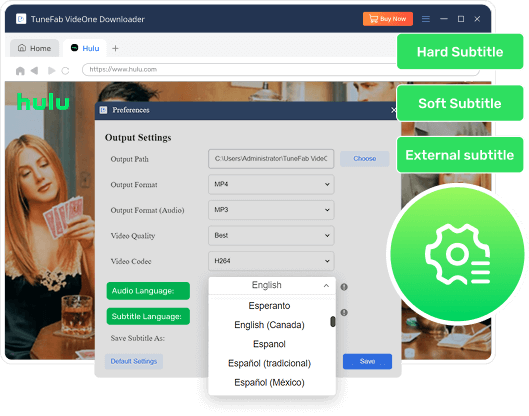
- Adjust multilingual audio and subtitles flexibly for full customization.
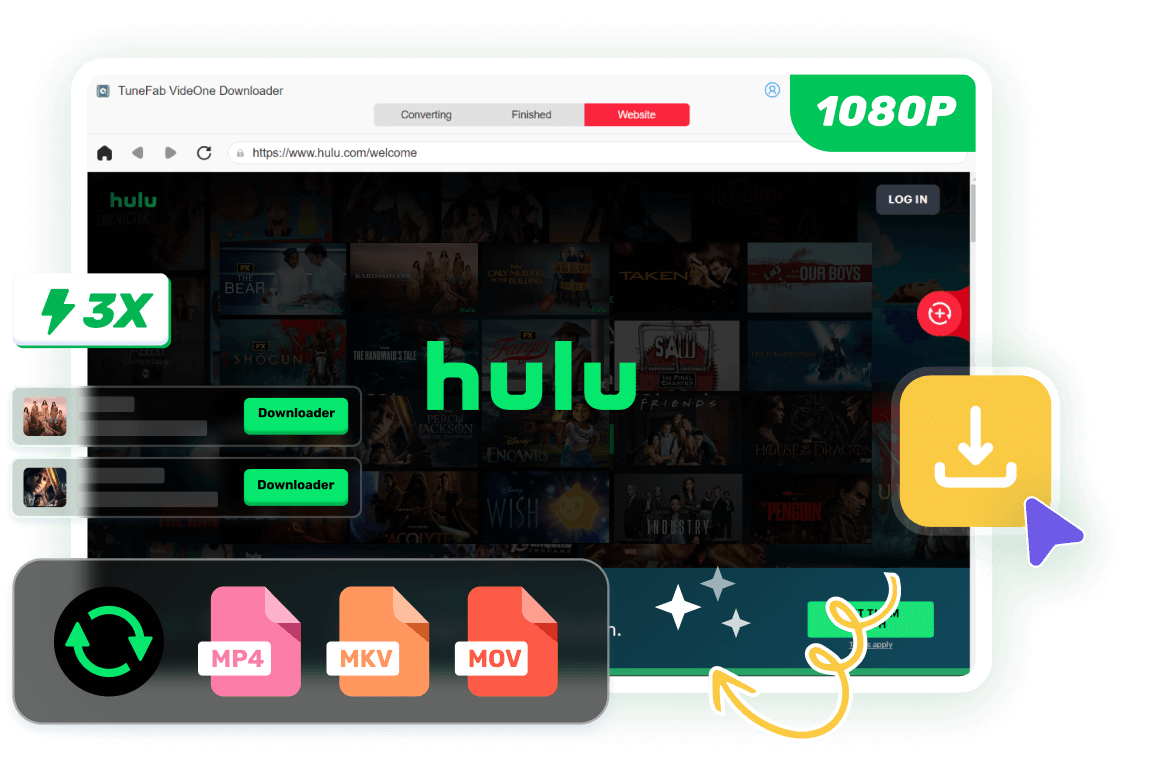



What Makes TuneFab VideOne Hulu Downloader the Best Choice for You?
Download Any Hulu Content with a Built-In Browser
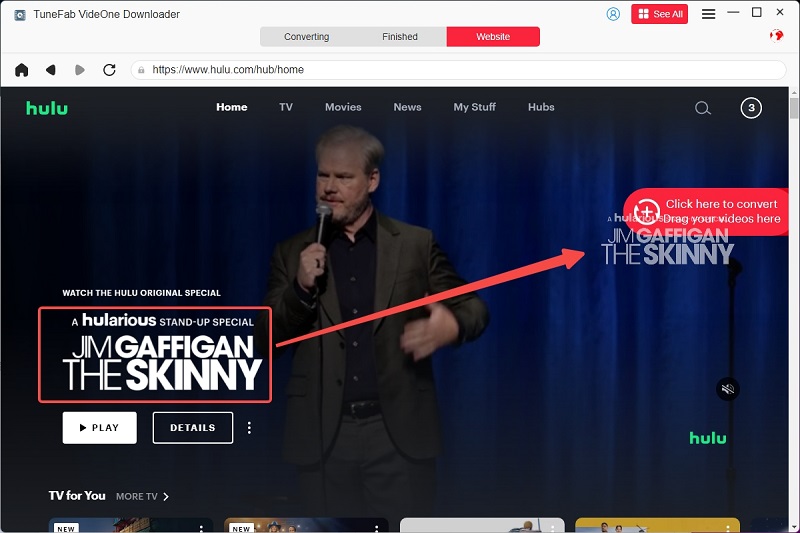
TuneFab VideOne Hulu Downloader equips you with an integrated web browser, allowing you to access Hulu and Hulu JP library directly without needing the Hulu app. Simply log in through the built-in interface and download any type of content you want, including Originals, movies, full seasons, and single episodes.
Unlike the Hulu app, which limits downloads based on devices, regions, and subscription tiers, TuneFab VideOne removes all restrictions. You’re free to save every Hulu title without playback limitations, device constraints, or expiration rules, giving you complete control over your offline library.

Enjoy Multiple Output Formats for Easy Playback and Permanent Storage
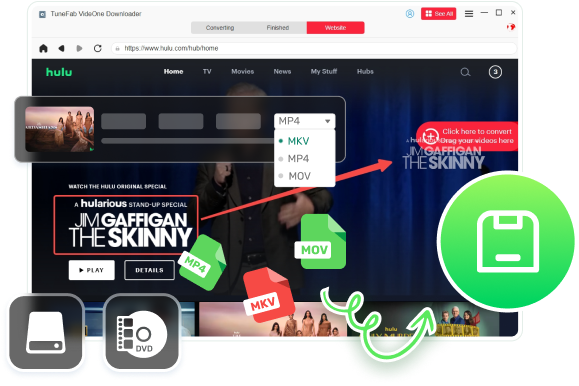
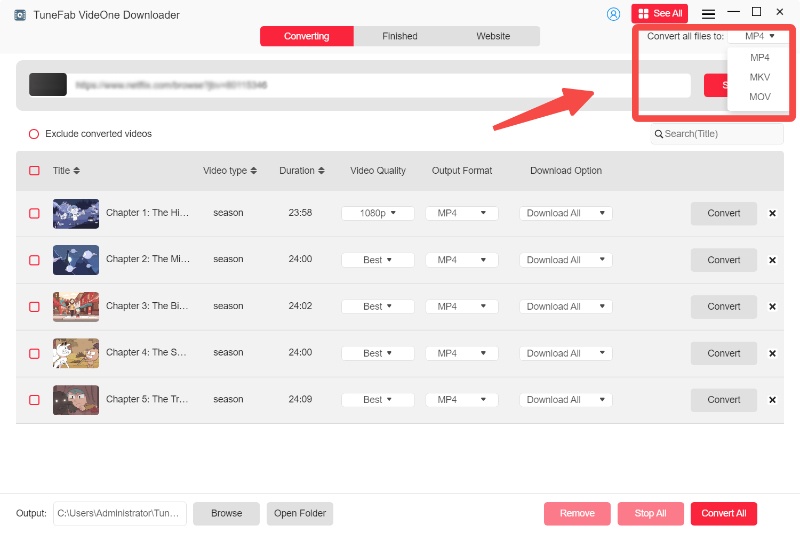
TuneFab VideOne Hulu Downloader enables you to export videos in MP4, MOV, or MKV formats. These formats work seamlessly across phones, computers, tablets, smart TVs, media players, and even older devices, ensuring maximum compatibility. You can easily store Hulu movies on external drives, share them across devices, or even burn them to DVDs for flexible viewing.
With no expiration dates or device-bound limits, your downloaded files remain yours forever. You can back them up, move them between devices, store them on external drives, or keep them as a long-term personal collection without worrying about access restrictions or removal from the platform.
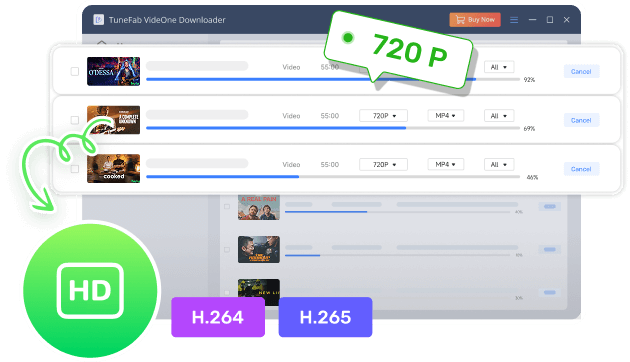
Support High-Quality 720P Output with Advanced Encoding
TuneFab VideOne Hulu Downloader allows you to rip videos from Hulu in crisp 720P resolution, delivering a sharp and immersive viewing experience on any device. Your favorite Hulu shows, movies, and Originals can be saved offline without losing detail or clarity.
With full support for H.264 and H.265 encoding, you can choose between wide compatibility or more efficient compression. This ensures your ripped videos maintain high quality while keeping file sizes manageable, making permanent storage, transfer, and playback across multiple devices simple and convenient.
Enjoy Ad-Free Hulu Viewing with Complete Privacy
TuneFab VideOne Hulu Downloader allows you to block Hulu ads completely, delivering a smooth and uninterrupted viewing experience for every show, movie, or episode you download. Say goodbye to distractions and enjoy content exactly the way you want.
In addition, the downloader keeps all your personal information secure. No data is shared or stored on external servers, ensuring your privacy while you rip videos from Hulu. This combination of ad-free playback and strong data protection makes offline viewing safer, cleaner, and more enjoyable.

3X Faster Batch Downloads for Maximum Efficiency
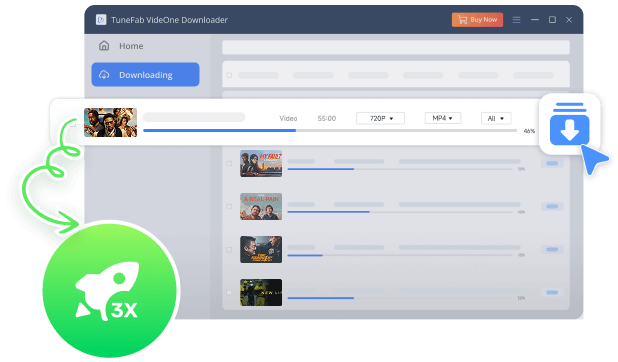
TuneFab VideOne Hulu Downloader, recognized as the best Hulu video downloader, delivers up to 3X faster download speeds, letting you download videos from Hulu quickly and efficiently. You no longer need to wait for each episode or movie to finish individually.
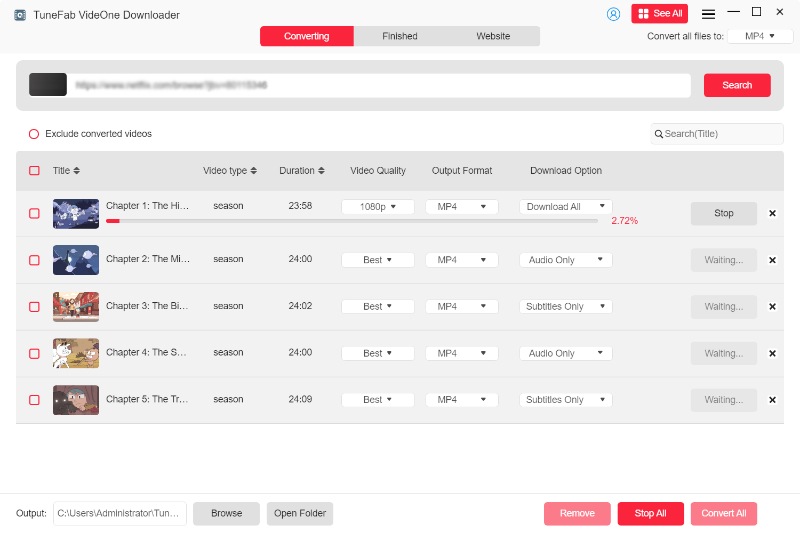
With full support for batch downloading, you can save multiple titles at once, whether full seasons, movie collections, or selected episodes. This powerful combination of speed and bulk processing streamlines your offline library creation, making it easier than ever to enjoy Hulu content anytime, anywhere.
Flexible Audio and Subtitle Settings for Personalized Viewing
TuneFab VideOne Hulu Downloader offers fully customizable audio and subtitle options, letting you tailor your viewing experience to your preferences. You can select from multiple audio tracks, including descriptions, and switch between languages as needed for maximum accessibility.
For subtitles, you have flexible choices: soft subtitles that can be toggled on or off, hard subtitles permanently embedded in the video, and external subtitles in SRT or VTT formats. This ensures compatibility across devices and media players, giving you full control over how you enjoy your Hulu content offline.
More Features That Make TuneFab VideOne Hulu Downloader Even Better
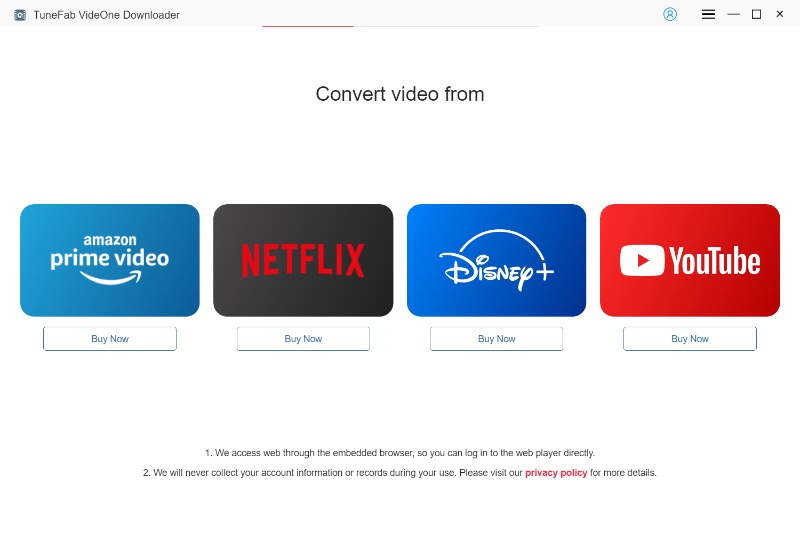
How to Download Hulu Shows to MP4 with TuneFab
Hot Articles & Tips
Top Article
See Why Users Love TuneFab VideOne Hulu Downloader


Check What the Experts Are Saying





Frequently Asked Questions
1.Use VLC Player: VLC is highly compatible and allows you to independently select audio tracks and subtitles.
2.Choose Hardcoded/Embedded Subtitles: For a simpler solution, select to download subtitles as hardcoded/embedded directly in the preferences to avoid player-related issues.
Next, ensure that the videos are playable on the streaming service.
Then, restart the program and try again.
If the issue persists, please submit a request here for further assistance.