
Why Do You Need TuneFab VideOne HBO Max Downloader?

HBO Max’s Download Restrictions Limit Your Offline Viewing Freedom

HBO Max allows offline downloads only for ad-free subscribers, and strict limitations can quickly become frustrating. You are capped at 100 downloads, and once the limit is reached, older videos must be deleted to save new ones. Even worse, all downloaded content expires after a certain period or becomes unavailable when the subscription ends.

Licensing restrictions also mean that some movies or shows may disappear without notice, even if they were already downloaded. These limits make offline viewing unreliable and inconvenient. TuneFab VideOne HBO Max Downloader helps remove these barriers by enabling permanent downloads without expiration, quantity limits, or sudden content loss.

Download Limit of Official HBO Max

What TuneFab VideOne HBO Max Downloader Can Do for You?

Download Any HBO Max Video for Permanent Offline Access

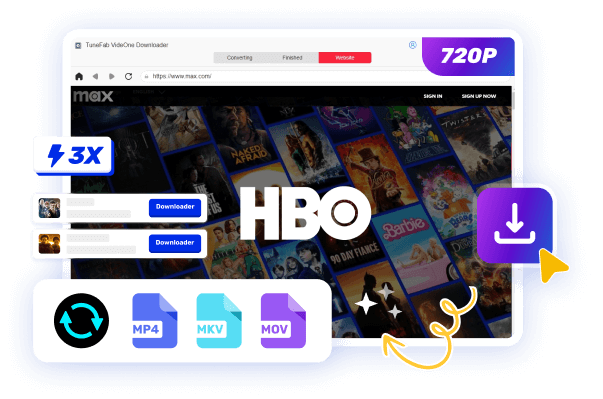
Unlike the official HBO Max download feature, TuneFab VideOne HBO Max Downloader lets you download virtually any movie or TV show from HBO Max without content or quantity limits. Whether it’s the latest blockbuster, a full TV series, or exclusive Max originals, you can save them directly to your computer.

All downloaded videos are stored locally and permanently, meaning they won’t expire, disappear due to licensing changes, or become unavailable when your subscription ends. This gives you full control over your HBO Max library and ensures truly reliable offline viewing anytime, anywhere.
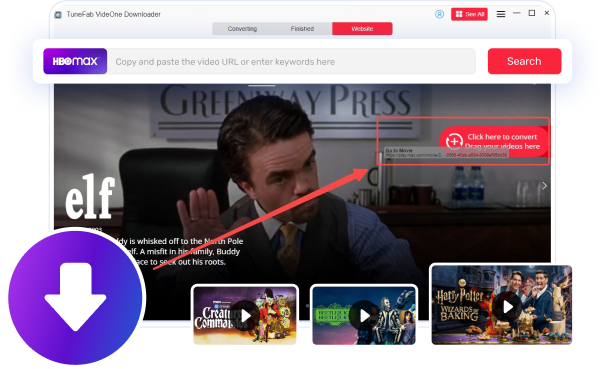
Download HBO Max in Web Player

Save HBO Max Videos in MP4, MKV, or MOV for Any Device

TuneFab VideOne makes downloading HBO Max videos simple and fast. You can save your favorite movies and shows in widely supported formats such as MP4, MKV, or MOV. These formats are compatible with most video players, ensuring high-quality playback and flexibility for your collection.

Once you download HBO Max to MP4, your videos can be played on a variety of devices, including TVs, laptops, PlayStation, and smartphones, without needing the HBO Max app. Enjoy your content anytime, anywhere, with full freedom to choose how and where to watch.
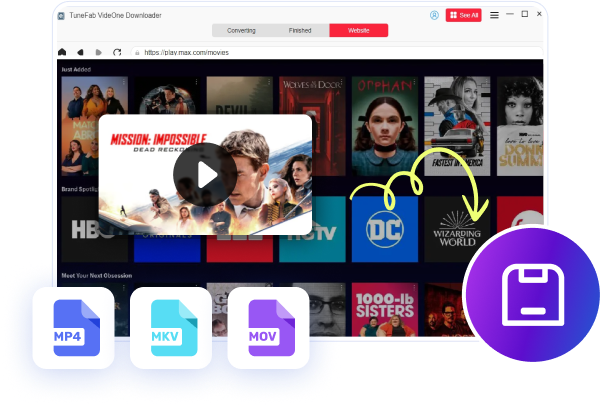
Save HBO Max in Various Formats

Download Max Videos in 1080P for the Best Viewing Experience

TuneFab VideOne HBO Max Downloader enables you to save your favorite shows and movies in stunning 1080p, delivering a sharp, cinema-like experience even when watching offline. You can enjoy every detail with vibrant colors and smooth playback, making your viewing truly immersive.

The downloader also supports both H.264 and H.265 codecs. Choose H.264 for maximum compatibility across devices, or H.265 to enjoy high-resolution videos with efficient compression, saving space without compromising quality. TuneFab VideOne gives you full control over video quality, ensuring the ultimate offline HBO Max experience.
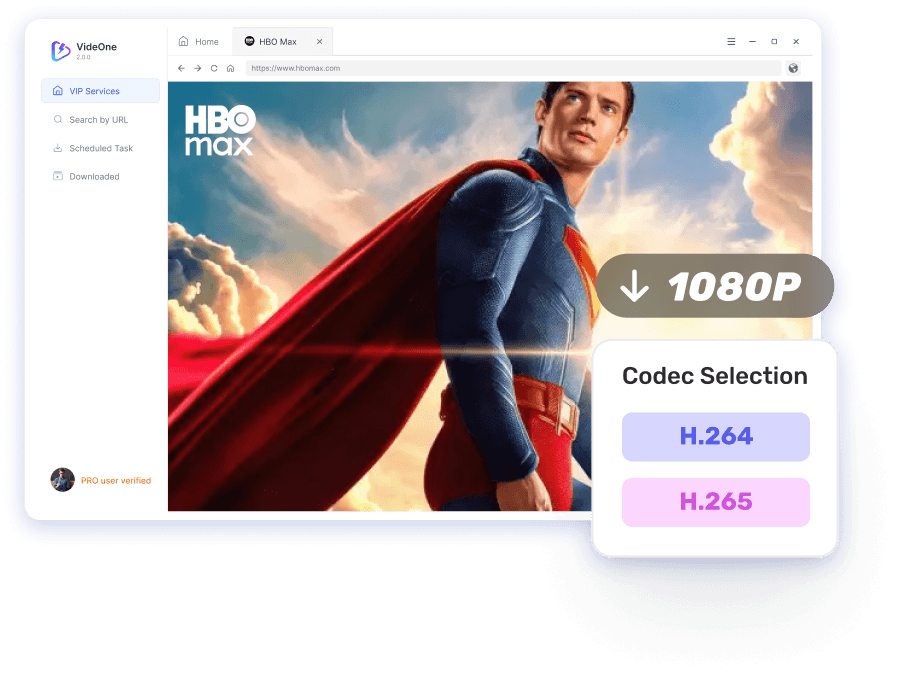
Download HBO Max Video to 1080P Quality

Batch Download HBO Max Shows and Movies at 3X Fast Speed

Tired of slow download tools? With TuneFab VideOne, you can rip movies from HBO Max at up to 3X faster speed, saving you valuable time even for large files. This powerful downloader ensures smooth and efficient downloads without compromising video quality.

For TV series or multiple episodes, simply add several videos to the download queue. TuneFab VideOne will automatically process and download them one by one, making batch downloading effortless. Enjoy your favorite HBO Max content offline quickly and conveniently, with full control over speed.
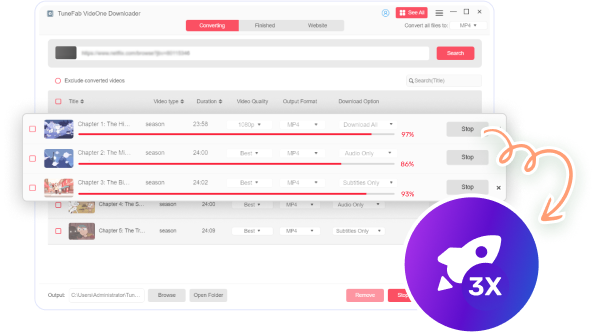
Download HBO Max at Fast Speed

Enjoy Ad-Free Downloads and Safe Playback

TuneFab VideOne is recognized as the best HBO Max Downloader, offering a seamless, ad-free experience from downloading to playback. You can rip movies from HBO Max quickly without interruptions, ensuring smooth offline viewing anytime.

Your privacy is fully protected, which means that no personal information is stored during the download process. Whether saving movies or TV series, TuneFab VideOne guarantees secure handling of your data. Enjoy HBO Max content with peace of mind, free from ads and safety concerns.
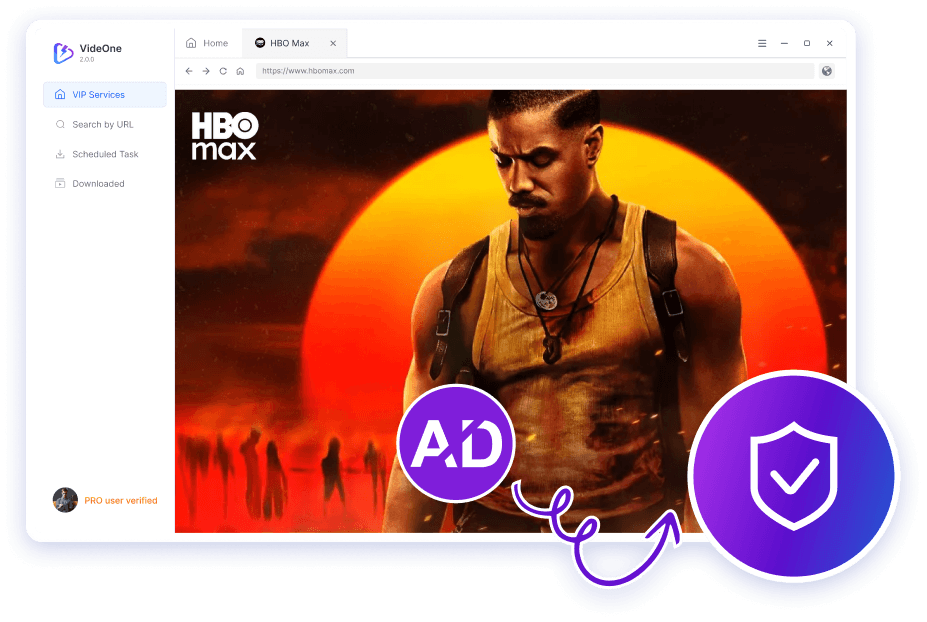
Download HBO Max Video Without Ads Safely

Download HBO Max Videos with Custom Audio and Subtitle Options

TuneFab VideOne HBO Max Downloader lets you fully customize your viewing experience with flexible audio and subtitle settings. You can choose between multiple subtitle types: soft, hardcoded, or external, and select the audio track that best suits your preference.

The downloader also supports subtitles in various languages whenever available, allowing you to enjoy content in your preferred language or follow along in unfamiliar ones. With TuneFab VideOne, you can tailor both audio and subtitles to your needs, making offline playback comfortable, accessible, and personalized across all your devices.
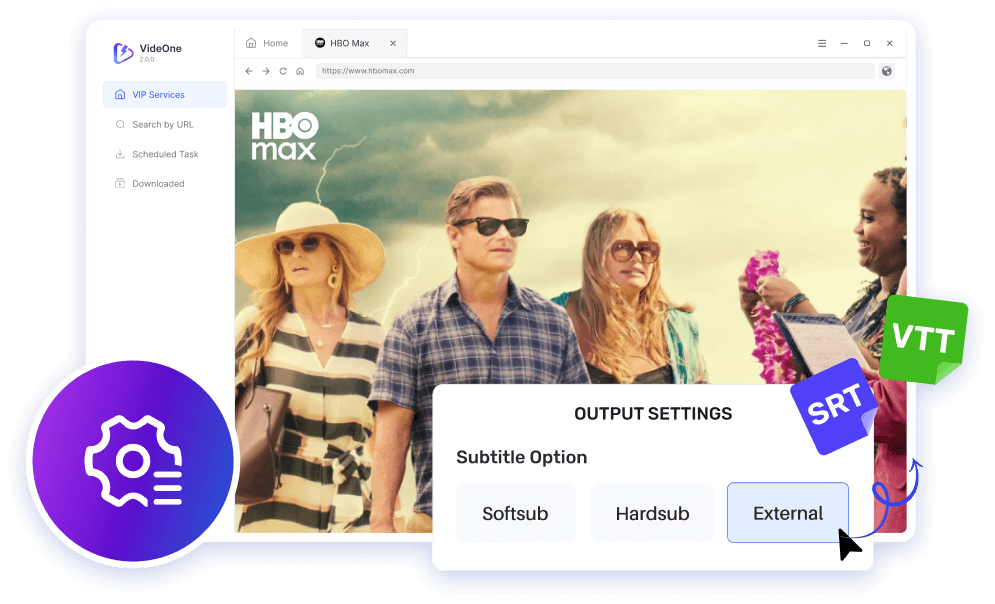
Customize HOB Max Audio and Subtitle Settings

Extra Features That Make Us Stand Out

Ease of Use

TuneFab VideOne HBO Max Downloader allows you to save any shows and movies in just 3 steps, streamlining the download process.

Filter by Video Type

On the search result page, you can filter the results to locate your desired one more accurately by choosing movies or series.

Post-Download Actions

You can choose to exit the program, put the computer to sleep, or just shut down the computer after all videos are downloaded.

Intuitive User Interface

The downloader offers a clean and straightforward interface with clear instructions, making it user-friendly to both beginners and tech-savvy.

Smart Video Reordering

In the Converting tab, TuneFab allows you to reorder the videos by title, video type, and duration to meet your different needs.

Clear Cache

You are allowed to clear the cache within the app. By removing the unneeded data, you will make the program operate more smoothly.

Multiple Languages Supported

TuneFab supports 5 languages, including English, French, Chinese, German, and Japanese, catering to users from different nations.

Quick Location of Downloads

In the Finished tab, you can quickly find a download by typing in its title in the search bar or viewing output files to locate it on your device.

100% Safe to Use

TuneFab VideOne HBO Max Downloader contains no viruses, adware, or malware and won't collect your personal information for any use.

How to Download HBO Max Videos to MP4?
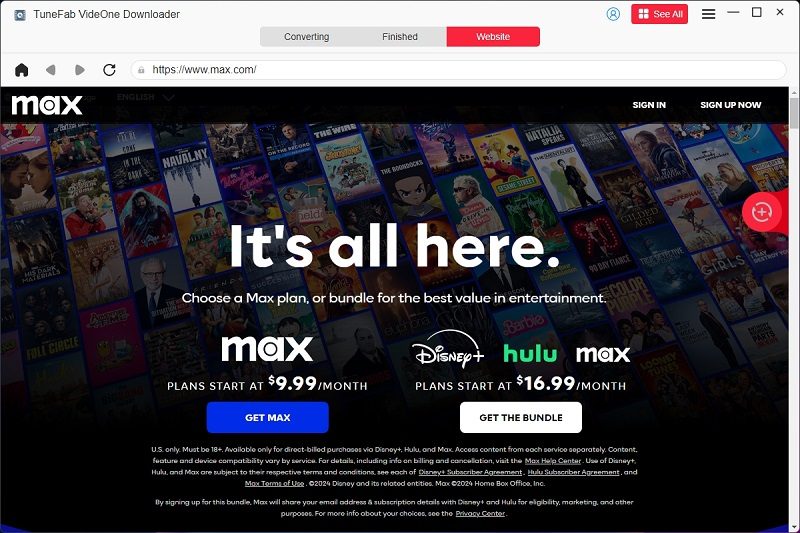
Log in to Your HBO Max Account
Step 1.
Log in to your HBO Max account.
Add Max Videos to Download
Step 2.
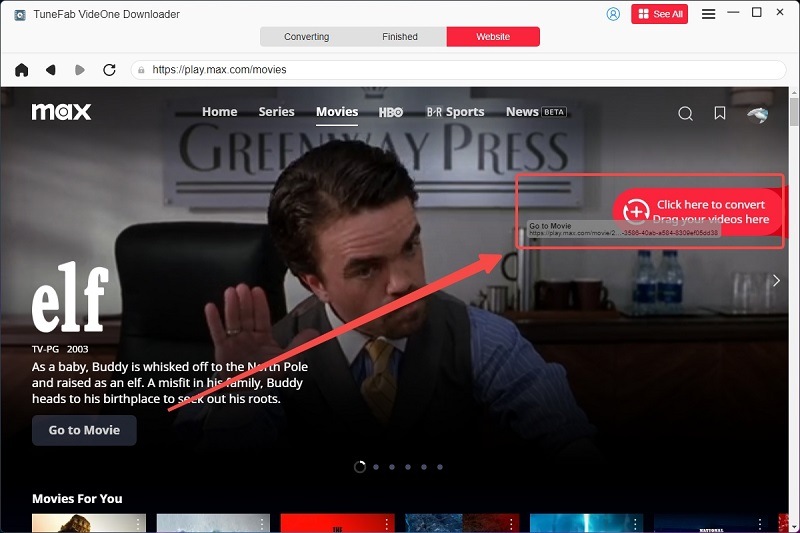
Click on the download button to add HBO Max videos.
Select Output Format for Max Videos
Step 3.
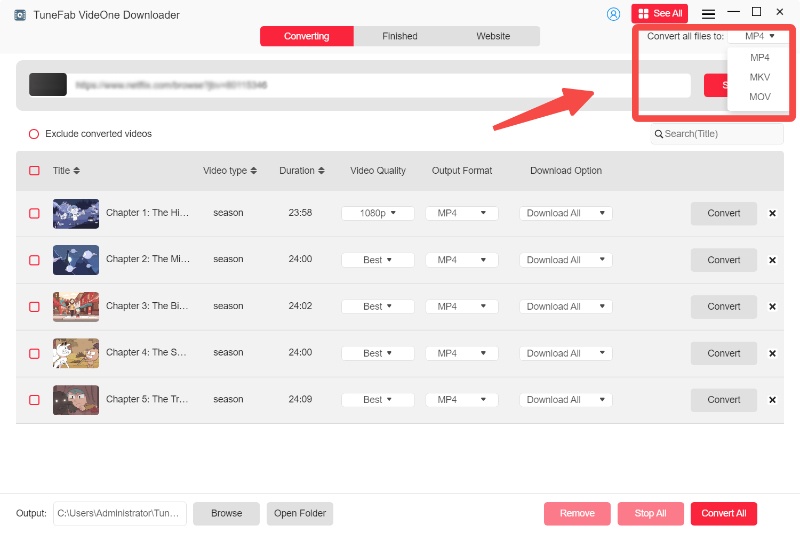
Select the output format for HBO Max videos.
Download HBO Max Videos
Step 4.
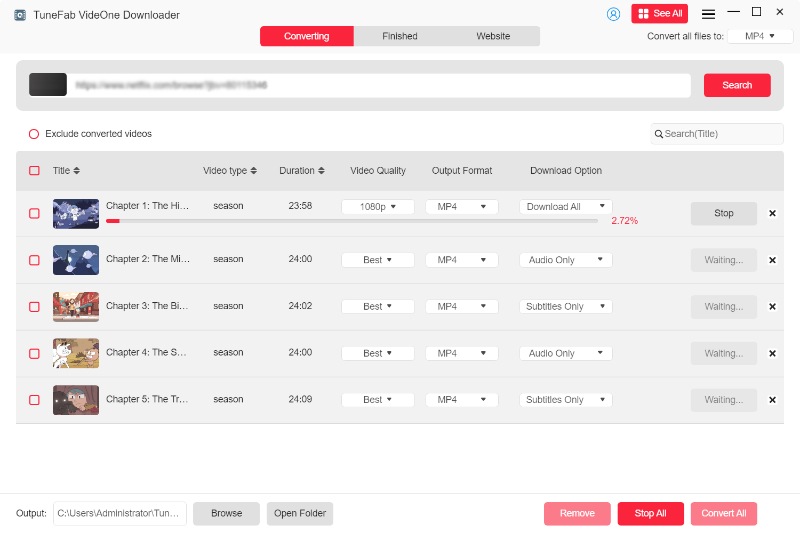
Tick the video and press the download button to download HBO Max videos.

Comments from Trusted Media Outlets

Digital Journal
One of the features that distinguish TuneFab VideOne HBO Max Downloader from others is that it has a convenient search function. Users can not only paste the video URL in the address bar to let the tool fetch the information but also directly search for any video they want in the embedded web player.
FixThePhoto
TuneFab VideOne HBO Max Downloader offers great flexibility to its users, as it can download HBO Max shows and movies to plain MP4/MKV/MOV files. After the conversion into common formats, the videos can be played and watched by different players.
Lifewire
If you are tired of pixelated videos with poor resolution, TuneFab is really a game-changer. With its ability to download high-definition videos of up to 720P, it enables its users to enjoy an incredible offline viewing experience. This is undoubtedly an essential companion for anyone who values superior video quality.
MakeUseOf
TuneFab VideOne HBO Max Downloader makes the video downloading process much more efficient. With its advanced hardware technology, it can download any HBO Max video at a 3X fast speed, be it multiple TV episodes or a lengthy movie. Users don't have to wait for a long time to have the download finished anymore.
Tech Times
If you find an HBO Max show or movie in a foreign language that you don't know, don't worry. TuneFab provides various options for audio tracks and subtitles to enhance user experiences. You can choose to save the audio track and subtitles in a language you speak so you can fully understand the content of the video.

Frequently Asked Questions

What are the limitations of a free trial version?
For OTT platforms like HBO Max, the free trial version only allows downloading the first 5 minutes of each video.
How to activate TuneFab VideOne HBO Max Downloader?
Launch the software on your computer and a free trial window will pop up. Log in with your email address and license key. Then update the account status on the pop-up window.
Can I transfer my license key to a new computer?
Yes, you can transfer your license to a different computer and it is completely free. You can do it by yourself twice a year in the account center. But if you need to do it more than two times a year, you need to contact the TuneFab Support Team and provide your valid order information. Then we will disable the license on the old computer and reset it in the new one.
Where are the downloaded HBO Max videos stored?
It depends on whether you use the default setting or customize the output location for the downloads. Either way, you can easily find your HBO Max downloads by clicking the "View Output Folder" under the "Finished" tab.
How to download HBO Max videos at the best quality?
You can go to "Settings" > "Preferences" > "General". Select "Best" in the drop-down menu of video quality, and then click "Save" to confirm your choice as the default setting. Then the videos you add will be automatically downloaded at the best quality available.
Is it possible to choose my preferred language for subtitles?
If HBO Max offers multiple subtitle options, you can easily choose the language you want. In the "Converting" tab, you can click "video quality" > "subtitle" of the specific video. Then choose your preferred language. You can also set it as the default option in the "Preferences" window.
Is TuneFab VideOne HBO Max Downloader Safe?
Absolutely! TuneFab highly prioritizes the privacy of its users, ensuring that personal information is strictly protected during the use of the software. In addition, the software is 100% clean with no viruses, adware, or malware.
Can I download multiple HBO Max videos at once?
Yes. TuneFab VideOne HBO Max Downloader supports batch downloads, allowing you to save entire seasons, multiple episodes, or full movie collections in a single process. Just select the content you want, and the tool will download everything automatically, with speeds up to 3X faster.
Will my downloaded HBO Max videos expire or be removed?
No. Videos downloaded with TuneFab VideOne HBO Max Downloader are saved as local files on your device. They won’t expire, disappear, or require reconfirmation, letting you watch your favorite shows and movies offline anytime.
Does TuneFab VideOne HBO Max Downloader include ads or extra software?
No. TuneFab VideOne HBO Max Downloader is completely clean and ad-free. It doesn’t come with any bundled programs, ensuring a secure, smooth, and uninterrupted download experience from start to finish.
Is it legal to download HBO Max content with TuneFab VideOne?
TuneFab VideOne HBO Max Downloader is intended for personal, non-commercial use only. Make sure your downloads comply with local copyright laws and HBO Max’s terms of service. Sharing or redistributing downloaded content is not recommended.

Try TuneFab VideOne HBO Max Downloader Now

Freely install this powerful HBO Max downloader to get all your desired Max videos in MP4/MKV/MOV formats. Enjoy the high-quality playback of HBO Max content right now!
System Requirement:
Windows 7 or later (64 bit)
macOS x 10.14 or higher
Ratings:
4.9/5
Perpetual at $99.95
Supported Formats:
Video: MP4, MKV, MOV
Audio: MP3, M4A, FLAC, WAV
Subtitles: Soft/Hard/External(VTT/SRT) if any